
Why Your Edited Photos Look Artificial-and How to Keep Them Natural
Have you ever edited a photograph only to discover that the original looked more convincing? Skin becomes unusually smooth, shadows disappear, colors feel too intense, and the background no longer seems connected to the subject. These problems often happen when an edit changes too many visual details at once.
Pollo AI offers an approach to AI photo editing that lets you describe both the changes you want and the details you wish to preserve. By giving the editor more specific instructions and reviewing the results carefully, you can improve a photograph without losing the qualities that make it feel real.
Too Much Retouching Removes Natural Texture
One of the clearest signs of excessive photo editing is the disappearance of natural texture. Skin begins to resemble plastic, fabric loses its fine details, and surfaces appear unnaturally smooth.
When editing a portrait in Pollo AI, avoid broad instructions such as “make this person look perfect.” The model may interpret perfection differently from what you intended.
Instead, try a more controlled description:
“Reduce temporary skin blemishes and soften uneven lighting while preserving natural skin texture, freckles, facial features, and expression.”
The distinction is important. You are asking for specific improvements rather than a complete reconstruction of the person's appearance.
Review the edited portrait at its normal display size and again at a closer view. If recognizable features or natural details have disappeared, return to the original image and request a lighter edit.
Inconsistent Lighting Makes Images Look Fake
Light connects the different elements of a photograph. When the subject and background appear to receive light from different directions, the image can look artificial even if every individual element is visually appealing.
Suppose you have a portrait taken outdoors on an overcast day. Adding intense studio lighting may create highlights that do not match the surrounding environment.
With Pollo AI, describe lighting adjustments that suit the existing scene. Ask for slightly brighter facial lighting, softer shadows, or a more balanced exposure while retaining the original weather conditions.
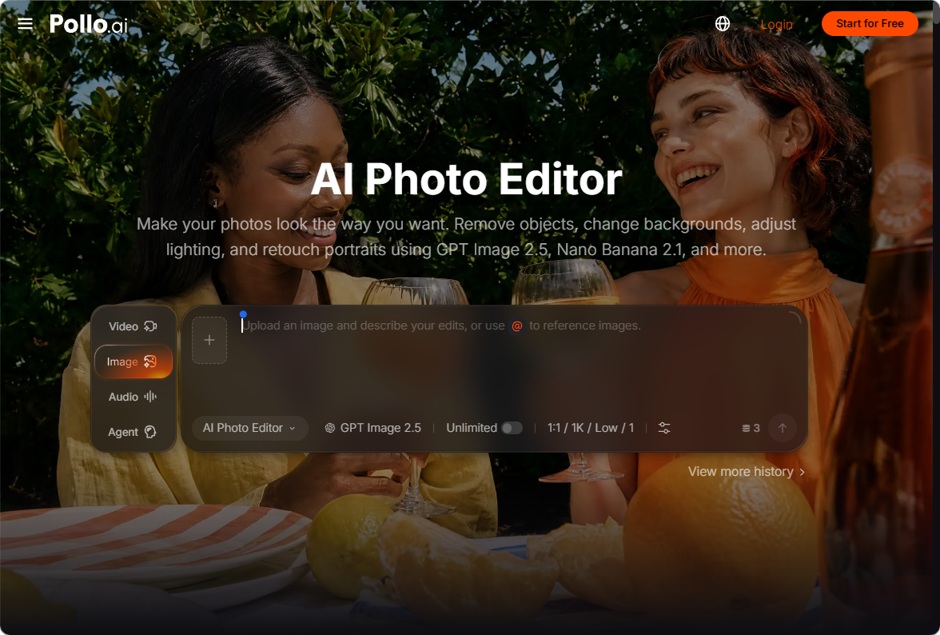
You can also compare image models when one version changes the atmosphere too dramatically. Effective AI photo editing should improve the relationship between light, color, and subject rather than impose an unrelated visual style.
Strong Color Changes Can Distort Important Details
Increasing saturation may make a photograph more noticeable, but it can also change the appearance of skin, clothing, food, and products.
For example, enhancing a photograph of a handmade blue ceramic bowl might produce a much brighter shade than the actual item. This is particularly problematic if the image will appear in an online store.
In Pollo AI's Photo Editor, request subtle color adjustments and explicitly identify the colors that should remain unchanged.
For the ceramic bowl, ask for balanced white tones and improved lighting while preserving the original blue glaze. Compare the edited photograph with the source image before using it in a listing.
Natural-looking colors should reflect the intended atmosphere without misrepresenting important visual information.
Backgrounds Need to Match the Subject
Replacing a background can improve a photograph, but differences in perspective, shadows, and scale can make the subject appear pasted into the scene.
Imagine using the ceramic bowl photograph in a lifestyle campaign. The original image accurately shows the product, but the plain background does not help customers imagine using it at home.
Pollo AI's AI product staging l can place the bowl in a suitable setting, such as a wooden dining table beside a softly lit window. Describe the position of the product, the direction of the light, and the desired atmosphere.
Review how the bowl meets the table surface. Its shadow should appear consistent with the lighting, and surrounding objects should have believable proportions.
Use the staged image only after confirming that the bowl's shape, glaze, and other defining details still match the original product.
Small Text Changes Can Reveal an Artificial Edit
Natural-looking edits are not limited to photographs of people and objects. Typography can also reveal when an image has been modified poorly.
Suppose you use the staged ceramic bowl photograph in a promotional graphic and later need to change its seasonal headline. Replacing the entire design could alter the background and lighting you have already approved.
Pollo AI allows you to edit text in images while guiding the appearance of the replacement wording. Specify the new headline and ask for typography, spacing, and colors that complement the existing design.
Inspect the lettering for distorted characters, uneven spacing, or obvious patches around the edited area. Once the text looks consistent and the information is accurate, the graphic can be used alongside the approved product images.
Compare the Original and Edited Photos Before Publishing
After several revisions, it becomes easy to forget what the original photograph looked like. A side-by-side comparison helps you recognize changes that might otherwise go unnoticed.
When working in Pollo AI, keep a separate copy of the source image and review each promising version against it.
Pay attention to skin texture, object proportions, color accuracy, shadows, background edges, and readable text. If a change improves one area but damages another, refine that specific issue rather than applying more global adjustments.
This is especially important for product listings, professional portraits, and commercial materials, where visual accuracy matters as much as attractiveness.
Final Takeaway
Natural-looking photographs depend on restraint, consistency, and attention to detail. The most successful edits improve lighting, composition, and clarity without unnecessarily changing the subject. Pollo AI makes AI photo editing more approachable through descriptive prompts, multiple image models, and focused editing tools. Begin with a specific improvement, preserve the details that matter, and stop editing when the photograph already achieves its intended purpose.