Systems | Development | Analytics | API | Testing

OctoPerf 18: Test as Code With K6, and Core Web Vitals for Playwright

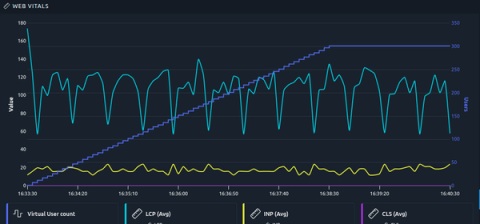
OctoPerf 18.0.0 is out! In version 17 we separated the injection engine from JMeter, and this release is where it starts to pay off: K6 is now available as a load engine next to JMeter and Playwright. Playwright Virtual Users also measure the Core Web Vitals of every page they open. K6 scripts are code, so they usually live in Git next to the application and get reviewed like it. With OctoPerf 18 you can run them without modifying them: This is why we did all that work in OctoPerf 17.
Migrating Gatling Simulations to OctoPerf With an AI Agent

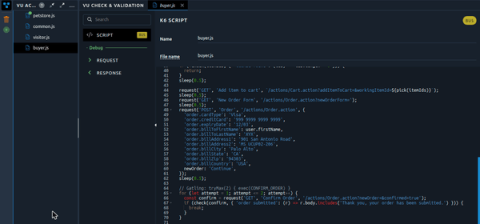
Migrating a load testing project is rarely difficult, but it takes time and it's easy to give up halfway. That's why OctoPerf 18 comes with a Gatling migration playbook for AI agents. In our NeoLoad and LoadRunner walkthroughs, the projects were converted into JMeter Virtual Users. A Gatling simulation is code, so here it stays code: the agent rewrites it as a K6 script, and its injection profile becomes an OctoPerf scenario.

Running K6 Scripts on OctoPerf

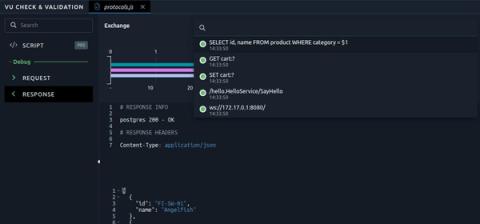
We just released OctoPerf 18 and its main addition is a new load testing engine: K6. You can now import your K6 scripts and run them without changing a single line, next to JMeter and Playwright Virtual Users, in the same scenarios and the same reports. In this blog post I import a K6 script that browses our public demo shop, validate it, run it and go through the results. The scripts can be downloaded if you want to follow along. I will finish with the things that work differently than with JMeter.