Systems | Development | Analytics | API | Testing

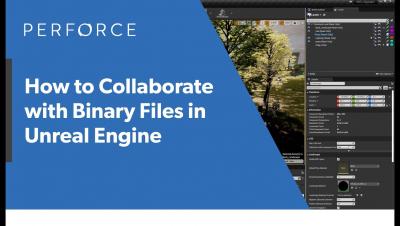
How to Collaborate in Unreal Engine (Some Best Practices) - Perforce U

Learn how to collaborate in Unreal Engine (along with some great best practices) in this clip from course 5 of Perforce U. The majority of the assets used by the Unreal Engine Editor are binary format. Because binary files cannot be merged in the same way that text files can, teams who need to collaborate in Unreal Engine face extra challenges for source control. Course 5, “Merging and Collaborating with Unreal Engine,” also covers getting started with Unreal Engine Multi-User Editor (Unreal MUE), how to resolve merge conflicts between streams in Perforce Helix Core, and more.
How to Use the Perforce Helix DAM + Blender Integration

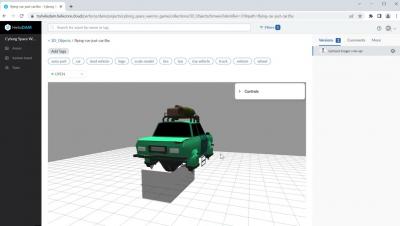
Learn how to use the Perforce Helix DAM + Blender integration to version your art assets within Blender. With Helix DAM (digital asset management by Perforce), artists can keep working where they like to work and quickly version art files within their existing tools and workflows. Ready to simplify and secure the creation, review, and versioning of your artists’ and designers’ work?

What is Perforce Helix DAM?

Helix DAM is digital asset management by Perforce — makers of the industry standard version control system for game development, Helix Core. Helix DAM empowers teams to streamline creative workflows. It allows them to find, track, and review art assets — including 2D, 3D, audio, and video files — all in one place. It’s art & game asset management for creatives, built with the speed and security of Perforce Helix Core.