Systems | Development | Analytics | API | Testing

Perforce Streams: Everything You Need to Know

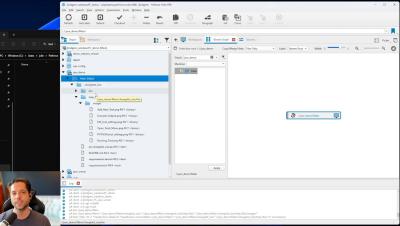
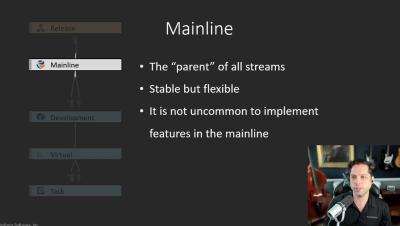
This video provides an overview of the main types of streams in Helix Core, as well as the iconography and relationships between stream types in the Helix Visual Client (P4V). Perforce solutions engineer, Jase Lindgren, also provides some example use cases and workflows for each stream type (mainline, development, release, virtual, and task), so you can learn how to best leverage each type.
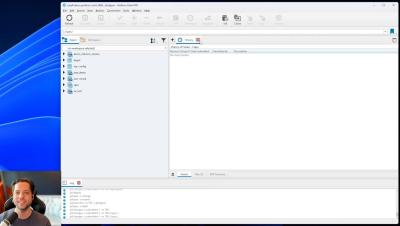
Rolling Back and Reverting Files in P4V: An In-Depth Guide

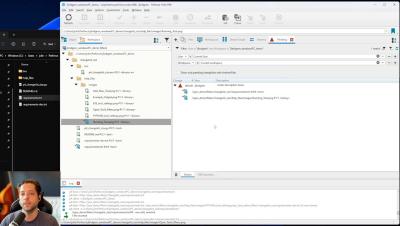
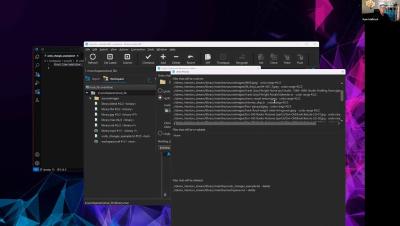
In this in-depth tutorial on reverting files in Perforce Helix Core, solutions engineer Ryan Maffesoli provides a complete walkthrough of how to rollback files and codelines. Learn how to revert changes based on revision number, changelist number, date, or label. We’ll also cover the process of submitting and syncing revised files.

Perforce Helix Core Beginner's Guide: Version Control Basic Concepts

This video provides a high-level introduction to Helix Core, the Helix Visual Client (P4V), as well as centralized version control concepts. Led by Perforce solutions engineer, Jase Lindgren, this tutorial provides new users with an overview of the P4V interface, and introduces some of the Perforce Helix Core terminology like depots, workspaces, and changelists. This video is the first in our new beginner’s guide series for Helix Core.

Perforce Helix Core Beginner's Guide: How to Create a Workspace

Workspaces allow you to sync files from the Helix Core server to your local machine so you can work on them. In this how-to video Jase Lindgren Perforce solutions engineer will guide you through the steps to creating and working with multiple workspaces as an individual user. This video is the second in our new beginner’s guide series for Helix Core.

Perforce Helix Core Beginner's Guide: Submitting, Syncing, and Managing File Changes

This video covers some of the basic Helix Core operations like checking out files, submitting changes, and getting the latest revisions from collaborators. In this step-by-step walkthrough from solutions engineer Jase Lindgren, you’ll also learn what changelists are and how to manage them. This is the third video in our new beginner’s guide series for Helix Core.

Perforce Helix Core Beginner's Guide: Undoing Changes and Fixing Deleted Files

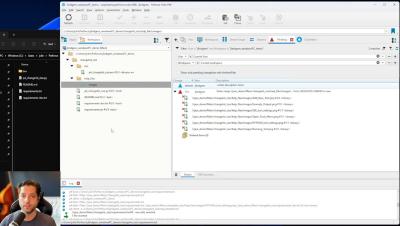
In this Perforce Helix Core / P4V beginner’s guide video, we will cover more advanced Helix Core operations like reverting changes, undoing submitted changes, fixing deleted files, and reconciling offline work. This is the fourth video in our new beginner’s guide series for Helix Core.

Mastering Test Orchestration: Unleash Innovation and Efficiency at Scale

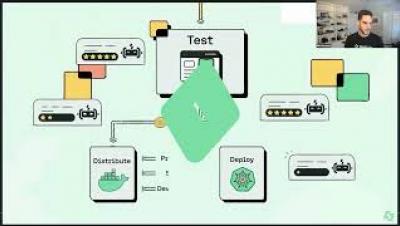
This session explores an innovative solution that revolutionizes test automation in software development. We tackle common challenges, including slow test execution times, costly CI build orchestration, and the difficulty of running tests locally and at scale. You'll learn how a purpose-built solution for browser and mobile testing offers significant performance improvements, allowing for up to 70% acceleration in test automation. Come explore how test orchestration provides scalability, reliability, and flexibility while enhancing stability, increasing productivity, and enabling faster time to release.

Top 5 Test Management Tools for Github and Jira: Comparison and Review

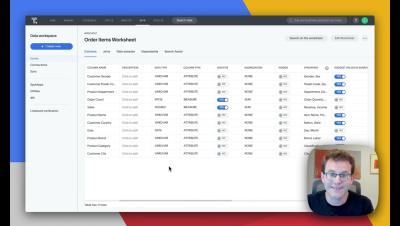
In this video 5 top test management case solutions are analyzed and reviewed showing its main advantages to be used to help you build better software with fully integrated and easy to use Test Management for high-performance teams. The fastest way to build, run, and manage test cases, plans, runs, and cycles. Easily understand the quality and performance of your tests and with powerful test analytics.