Non-crashing bugs don’t make your app crash, but they can ruin the user experience and hurt your app’s ratings. Fixing these issues is critical to keeping users happy. Here’s a quick rundown of the most common non-crashing bugs and how to address them.
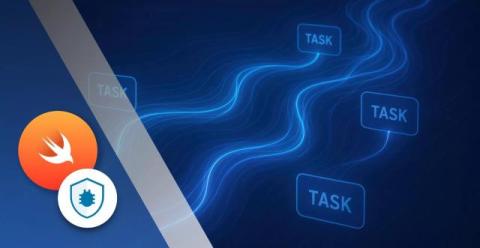
Concurrency means running multiple tasks at the same time, and it’s a great way to ensure our apps stay responsive. Swift 5.5 introduced structured concurrency and the closely related concept of async/await to improve the management of asynchronous code, part of a wave of changes designed to ensure simpler code, improved error handling and automatic task lifecycle management.
Modern app users don’t tolerate glitches — speed and stability are non-negotiable. Debugging across multiple Android devices, however, can be tedious if done manually. That’s why developers rely on Android Debug Bridge (ADB) to streamline development. With ADB, we can: In this guide, we’ll cover what ADB is, how it works, installation steps, and the most useful commands for debugging Android applications.
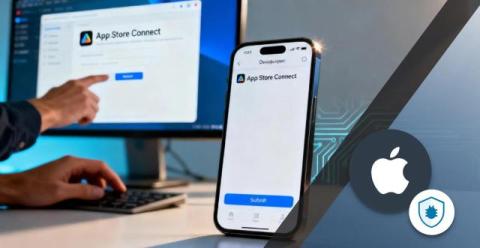
In less than 20 years, mobile apps have grown from a bright new idea to a cornerstone of our daily lives. And while Android accounts for the lion’s share of the market, iOS usage continues to grow exponentially: in 2024 alone, iOS apps and games were downloaded around 35 billion times. The Apple App Store is both a shop window and a marketplace for this global industry. But as iOS developers, how do we actually submit a mobile app to the store?
When should you actually use async and await in Swift? Waiting for external data (like APIs or images) Long-running tasks (saving, processing, or calculations) Learn how to use them without freezing your app again.
Async runs long tasks in the background. Await pauses just one line until the result’s ready. Here’s the cleanest way to understand Swift’s async/await in under a minute — with real examples.
Data integration logging is the process of recording events and activities during data movement across systems, ensuring accuracy, troubleshooting, and regulatory compliance. In complex environments like those of Netflix and Airbnb, logging is critical for system reliability and performance. However, challenges such as managing large log volumes, inconsistent formats, and compliance requirements make effective logging difficult.
Ever tapped a button and your Swift app just froze? That’s what happens when your code runs synchronously. In this short, we break down what async and await actually solve — and why they keep your UI smooth and responsive.