Systems | Development | Analytics | API | Testing

Debug a Node.js Memory Leak in Minutes with AI-Powered Heap Snapshot Analysis

Memory leaks are among the most frustrating production issues to investigate. At first, everything looks normal. Requests are processed successfully, users aren't reporting problems, and the application appears healthy. Then memory usage starts climbing. Garbage collection runs more frequently. Performance degrades. Eventually, the process becomes unstable or crashes altogether. Detecting a memory leak isn’t even half the battle.

How We Designed a Node.js Production Debugging Experience with AI

Earlier this year, our team launched the N|Solid Extension, a Node.js production debugging and observability tool designed for modern development environments. The goal was simple: help developers investigate production issues without constantly switching between dashboards, monitoring platforms, and their editor. Instead, runtime telemetry, diagnostics, security insights, and AI-assisted workflows could live directly where developers already spend most of their time.

The debugging agent for developers: runs locally and eliminates PR slop

The Multiplayer debugging agent is purpose-built for developers working with coding agents. It captures all the data observability tools miss and manages the whole process from bug identified to bug fixed. AI coding assistants are great at writing code. They are not great at fixing bugs in production and the reason is simple: they don’t have runtime visibility.

The Friction with Today's Debugging Strategies

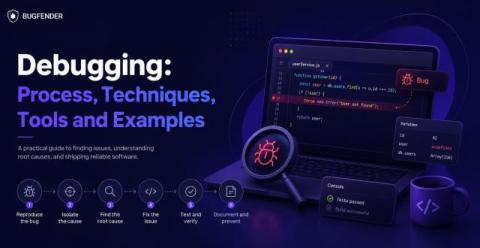
Debugging has always been part of the craft. But in today’s systems — distributed, asynchronous, and increasingly opaque — debugging is no longer just difficult. It’s fragmented. Despite better tooling, more telemetry, and the rise of AI-assisted workflows, many developers still experience the same core frustrations when trying to understand what’s actually happening in production.

Automatic Sourcemap Retrieval in Production: Debugging Without the Friction

If you’ve ever debugged a Node.js application in production, you’ve likely seen this: Sourcemaps were supposed to solve this. And technically, they do. But in practice, most teams still struggle to make sourcemaps available when they’re actually needed.

Why User-Friendly Testing Platforms Matter for DevOps Teams in 2026

Ask any DevOps lead where their team loses time, and the answer isn’t “We just need one more automated test.” The real drag on DevOps velocity comes from the convoluted testing platforms teams are forced to wrestle with. While automation and AI integrations are often promoted as the solution, complexity quietly strangles productivity long before code hits production.

iOS Crash Debugging: How to Find and Fix App Crashes

It goes without saying that crash debugging is crucial. For app quality, for App Store ratings, for compliance with Apple’s ecosystem. And if you’re new to the concept of debugging (or you simply want to top up your knowledge) this guide will give you a complete toolkit of tips and instructions. We’ll explain the most common iOS crash debugging scenarios and show you how to diagnose and fix them quickly.

JavaScript debugger Statement: How to Use It and When

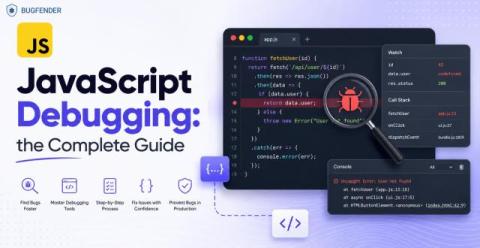
The JavaScript debugger statement is a built-in keyword that tells the JavaScript engine to pause execution at a specific line of code. When execution stops, you can inspect variables, function scope, and the call stack using developer tools. It is commonly used during development to analyze how values change and where logic breaks, without relying on repeated logging or assumptions. No more guesswork. No more partial truths.

Debugging Encrypted Microservice Traffic with Speedscale's eBPF Collector

Production bugs that only reproduce in actual traffic can be some of the most frustrating bugs in software development. You can stare at your logs, add traces to your code, add instrumentation – and still not be able to see the actual requests that went over the wire. And that gets even harder when the requests are encrypted and the system is a black box. You can use tools like Wireshark or Kubeshark to capture the requests.

JavaScript Debugging: How to Find and Fix Bugs in JS

An effective JavaScript debugging regime is essential if we want to build responsive, reliable and highly-rateable Android apps. JavaScript doesn’t enforce types at compile time (unlike Swift) and this means errors often happen quietly, when users are already feeling them. So it’s vital that we debug pre-emptively, using knowledge rather than guesswork.