Future of Data Meetup: Exploring Data and Creating Interactive Dashboards in the Cloud
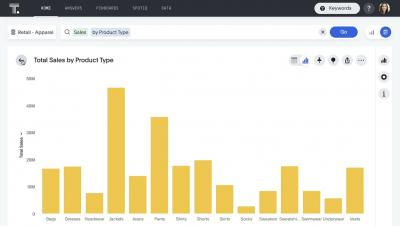
In this meetup, we’re going to once again put ourselves in the shoes of an electric car manufacturer that is deploying a recently developed electric motor out into their new cars. We’re going to show how to explore some data that has been previously collected through various different sources and stored into Apache Hive within a data warehouse, with the goal of tracking down a specific set of potentially defective parts. We’ll then take the results of this data exploration and create an interactive dashboard that presents our results in a visually appealing way using a BI tool that’s integrated right into the same data warehouse.