It's time to move your CI/CD to the cloud
In this article, I'll walk you through the differences between self-hosted CI/CD and cloud-based CI/CD (like Bitrise!) and show you why it's time to move into the cloud.


In this article, I'll walk you through the differences between self-hosted CI/CD and cloud-based CI/CD (like Bitrise!) and show you why it's time to move into the cloud.
We just announced Cloudera DataFlow for the Public Cloud (CDF-PC), the first cloud-native runtime for Apache NiFi data flows. CDF-PC enables Apache NiFi users to run their existing data flows on a managed, auto-scaling platform with a streamlined way to deploy NiFi data flows and a central monitoring dashboard making it easier than ever before to operate NiFi data flows at scale in the public cloud.
Are you ready to turbo-charge your data flows on the cloud for maximum speed and efficiency? We are excited to announce the general availability of Cloudera DataFlow for the Public Cloud (CDF-PC) – a brand new experience on the Cloudera Data Platform (CDP) to address some of the key operational and monitoring challenges of standard Apache NiFi clusters that are overloaded with high-performant flows.
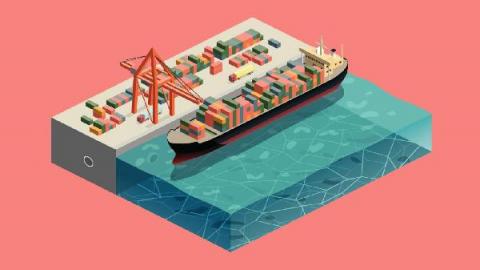
In March 2021, a 200,000 tonne ship got stuck in the Suez Canal, and the global shipping industry suddenly caught the world’s attention. It made us realize ships play an important role in our daily lives. Really important in fact; 90% of the things we consume arrive by ship. Take a look at this map. By visualizing vessel routes over time, the pattern creates a map of the earth. Note the lack of vessels travelling close to the coast of Somalia where piracy is common.
The best way to appreciate key concepts involving digital transformation is to look at real-world examples. In a recent Kong webinar, I sat down with Solutions Engineer Ahmed Koshok as he reviewed several real-world case studies that help illuminate the role of microservices in making digital transformation successful for organizations. The case studies included Papa John’s, NextJ Systems, and Yahoo! Japan.
Apps of today differ from those of the past. Evolving organizations like Cargill need to scale quickly to support millions of users, have global availability, manage petabytes or more of data and respond in milliseconds. That’s why modern apps now leverage API automation.