In our latest tools guide, we wanted to gather insights from a number of real users of these two giants in the Git & version control space to help you decide between using Github or Gitlab for your latest software development project. “GitHub is a common and easy-to-use website to host code in a way that's shareable with a large number of people”, states Melanie, Content Director at KitelyTech.
Version Control also known as Source Control, is the process of tracking and managing the changes in software. Version control software keeps track of code changes and helps development team to analyze their work, identify each change set separately, point to a change using the version number and much more. Source Control is a defacto standard right now for any development and successful deployment of your code.
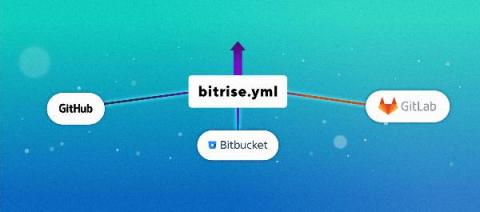
You asked, we listened ❤️ From now on, you have the option to store your bitrise.yml file in your Git repository where you can review and manage previous versions.
Data from GitHub can help your engineers quantify how they are doing.
An SCM such as Git is more than just a database for source code. It’s not only the thing you need to interact with to get code to production, but also a log of changes on a project. It’s not just the last couple of weeks of commits that are worth looking at. Any commit remains relevant weeks, months and years later. A commit serves multiple purposes. The first one is to explain a change during its review and the second is to explain a change to a future reader.
For decades, machine learning engineers have struggled to manage and automate ML pipelines in order to speed up model deployment in real business applications. Similar to how software developers leverage DevOps to increase efficiency and speed up release velocity, MLOps streamlines the ML development lifecycle by delivering automation, enabling collaboration across ML teams and improving the quality of ML models in production while addressing business requirements.