Systems | Development | Analytics | API | Testing

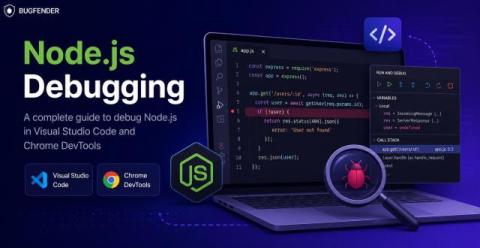
Node.js Debugging in VS Code and Chrome DevTools

Node.js debugging allows us to identify and fix errors, unexpected behavior, and performance issues in server-side JavaScript applications. Instead of using the less precise console.log, we can connect a real debugger and control execution step by step. Most Node.js developers actually use one of two distinct setups: This guide will show you how to use both technologies, with a clear step-by-step workflow for each.

Introducing AI Transport v0.5.0: durable execution with Steps

AI Transport v0.5.0 is now available. It adds first-class support for running an agent turn inside a durable execution framework, such as Temporal or Vercel's Workflow Development Kit (WDK), while every client watching the conversation still sees one clean, resumable stream. The last release, v0.4.0, let an agent hydrate its history from your own database. This one is about what happens when the process running the agent isn't around for the whole turn.

AI writes code in seconds, but delivery still takes days

The pitch for AI coding was speed. Claude Code, Copilot, Cursor, whatever you’re running, they all generate business logic faster than you can review it. That part is real. But look at what happens after the code gets written and the numbers get ugly. CircleCI’s 2026 State of Software Delivery Report found AI drove a 59% increase in average throughput.

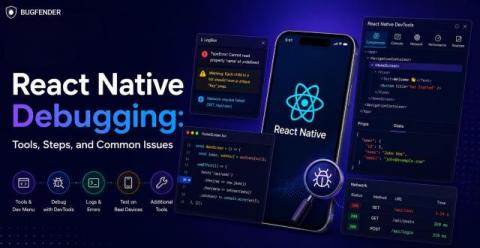
React Native Debugging: Tools, Steps, and Common Issues

React Native debugging poses particular challenges due to the framework’s cross-platform codebase, which combines JavaScript and native platform components. However, an effective React debugging regime will enable you to proactively fix issues in both production and development. Today’s post will give you the fundamentals to build that regime, showing you: Want to jump to a specific bit of knowledge? Here’s the full list of contents.

Perforce Autonomous Testing for Web, Mobile & Desktop Apps

Traditional test automation is slowing teams down with brittle scripts, constant maintenance, and growing complexity. Perforce Autonomous Testing changes the game with enterprise-grade AI-powered testing that helps teams create, execute, maintain, and analyze tests using natural language—without scripts, frameworks, or ongoing upkeep.

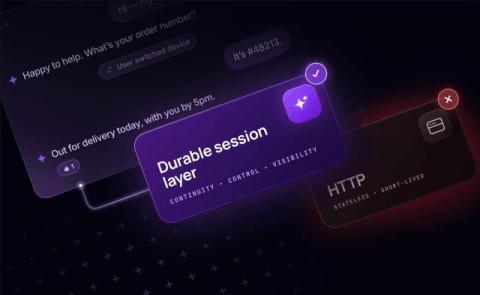
Why AI agents need a durable session layer - and why HTTP isn't enough

HTTP works fine for a chatbot that responds in seconds. Add token streaming, and it mostly still works. But once an agent starts doing things that take real time, reasoning across multiple tool calls, spawning sub-agents, running for minutes instead of milliseconds, the UX starts to falter. The connection drops while the agent is mid-thought. The user switches tabs, comes back five minutes later, and the session is gone. The agent finishes its work, but the client has already moved on.

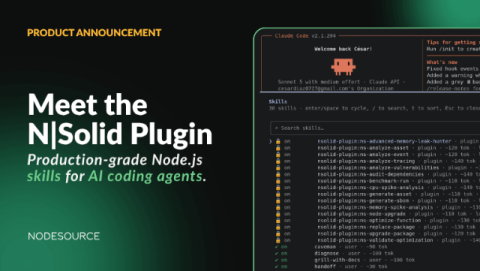
Introducing the N|Solid Plugin for AI Coding Agents

AI coding agents have quickly become part of the daily workflow for Node.js developers. Whether you're using Claude Code, Codex CLI, OpenCode, Antigravity CLI, or Pi Agent, these tools are great at generating code, explaining implementations, and automating development tasks. But debugging production systems is a different challenge.